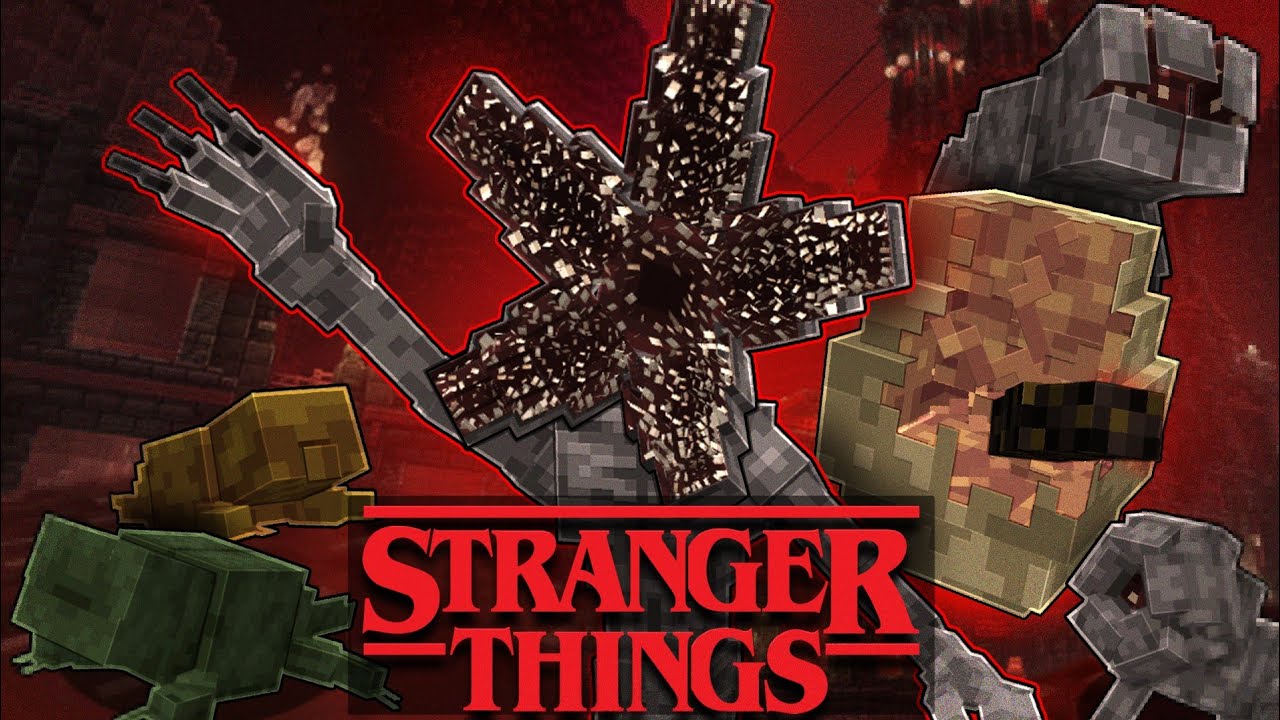
Stranger Things - Minecraft PE Addon
Stranger Things Mod
About Stranger Things
Stranger Things Mod
Stranger Things Mod brings the popular Netflix series to Minecraft. Experience the Upside Down and all the iconic elements from the show.
How to Download & Install
Getting Stranger Things for Minecraft PE is simple:
- Download the App: Get 99 Nights Addons from the App Store
- Browse Addons: Open the app and go to the "Addons" section
- Find the Addon: Search for "Stranger Things" in the collection
- Install: Tap "Install and Open" - the addon will automatically load into Minecraft
- Play: Start a new world or load an existing one - the addon will be active!
Ready to Use Stranger Things?
Download the 99 Nights Addons app and get instant access to this amazing addon!
Download 99 Nights Addons App