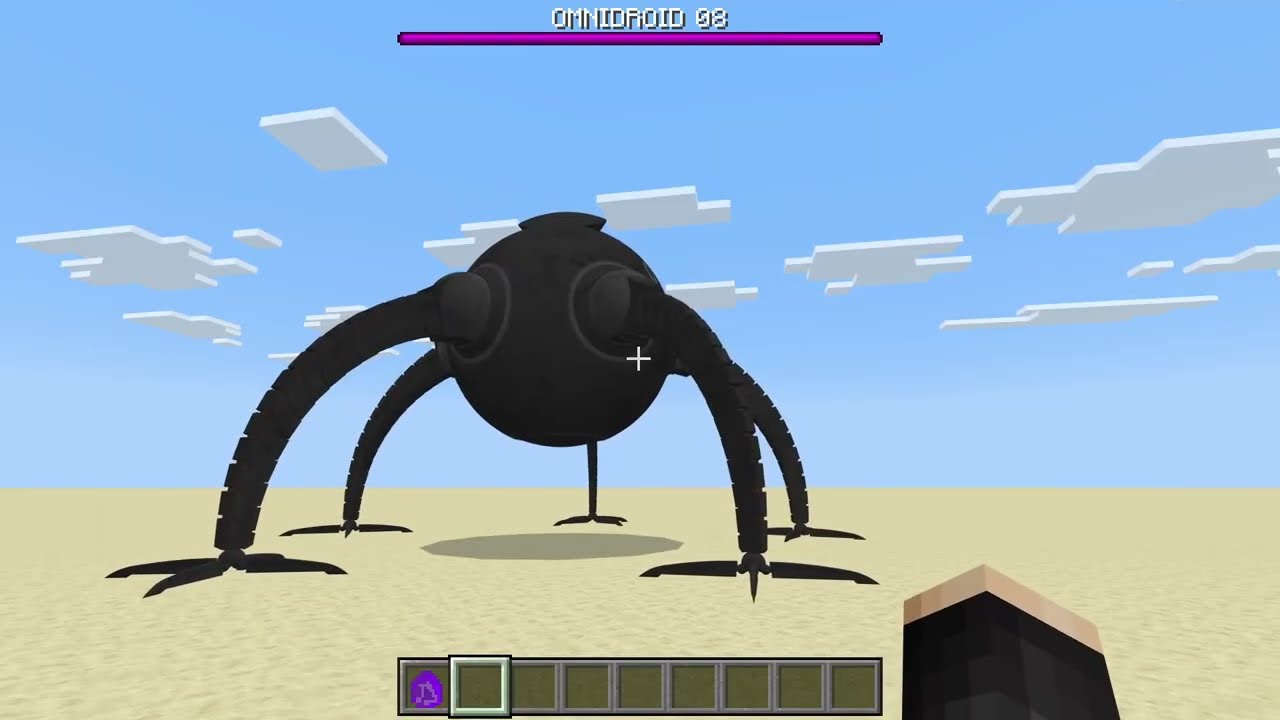
Omnidroid - Minecraft PE Addon
Scary Robot from The Incredibles
About Omnidroid
Adds a scary robot based off the Incredibles movie.
Adds a scary robot based off the Incredibles movie. Experience the terror of the Omnidroid in your Minecraft world.
How to Download & Install
Getting Omnidroid for Minecraft PE is simple:
- Download the App: Get 99 Nights Addons from the App Store
- Browse Addons: Open the app and go to the "Addons" section
- Find the Addon: Search for "Omnidroid" in the collection
- Install: Tap "Install and Open" - the addon will automatically load into Minecraft
- Play: Start a new world or load an existing one - the addon will be active!
Ready to Use Omnidroid?
Download the 99 Nights Addons app and get instant access to this amazing addon!
Download 99 Nights Addons App